Ecommerce SEO in Bangladesh: How to Get Your Online Store Found on Google
Practical ecommerce SEO for Bangladesh online stores: search intent, categories, product pages, images, duplicate content, speed and Search Console.

Published 9 min read
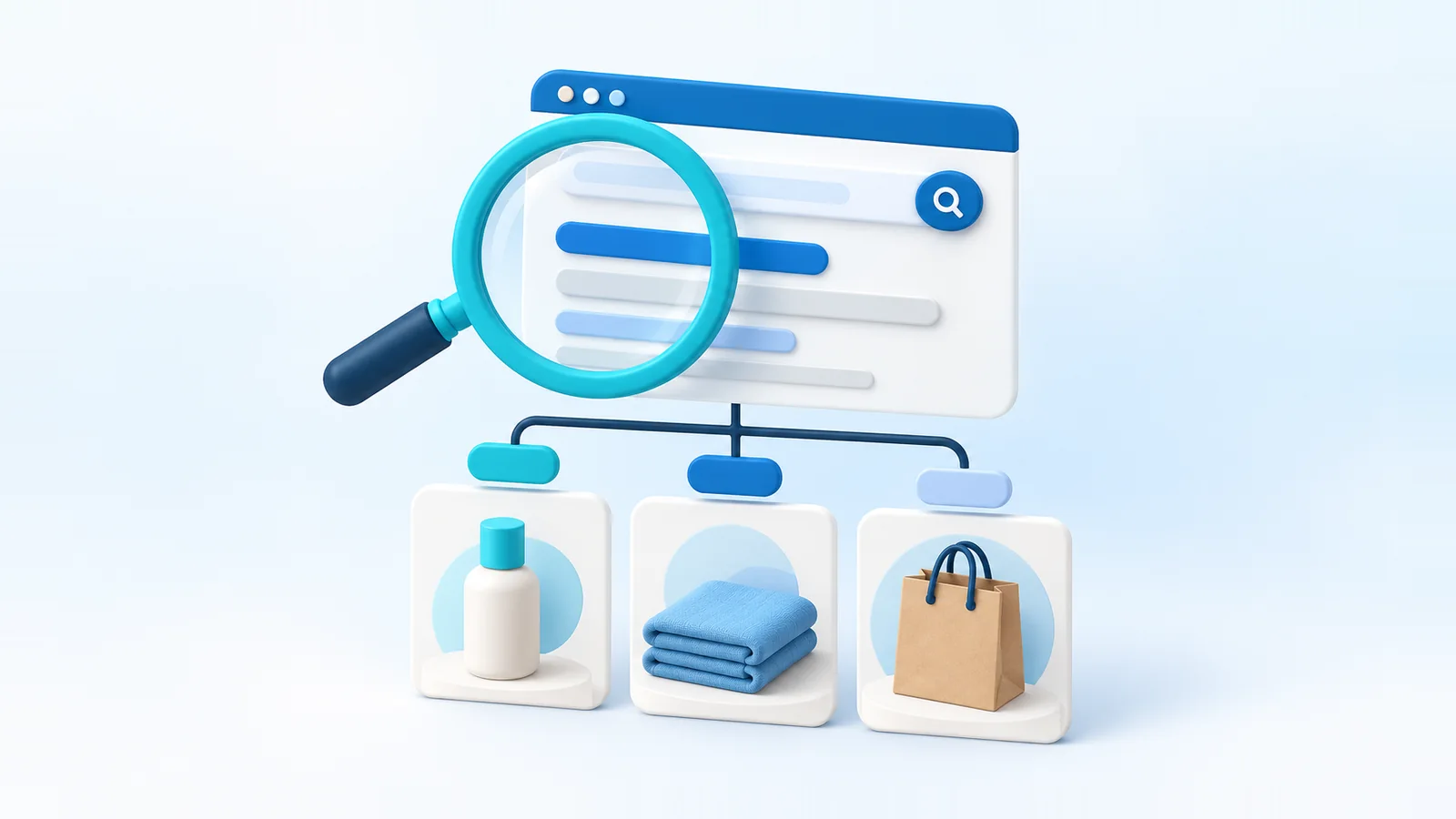
Search engine optimization (SEO) is how you help Google understand your store and show it to people searching for what you sell. Unlike ads, the traffic doesn't stop when the budget does. It also takes months to build, and nobody can guarantee a ranking.
This guide covers what matters for an online store in Bangladesh, in roughly the order to tackle it. Most of it is about being genuinely useful to shoppers, because that's what search engines are trying to reward.
How ecommerce SEO works
Google discovers your pages by following links and reading your sitemap (crawling), decides which ones to keep in its index (indexing), and then decides which indexed pages best answer each search (ranking). Your job is to make each step easy:
- Technical: pages that load, can be crawled, have one clear URL each and work well on phones.
- On-page: titles, descriptions, headings and content that match what people search for.
- Authority: other websites and people referring to your store, which signals that it's trustworthy.
For a store, category pages and product pages are usually where search visitors land. Articles and guides bring in people who are still researching.
Start with search intent
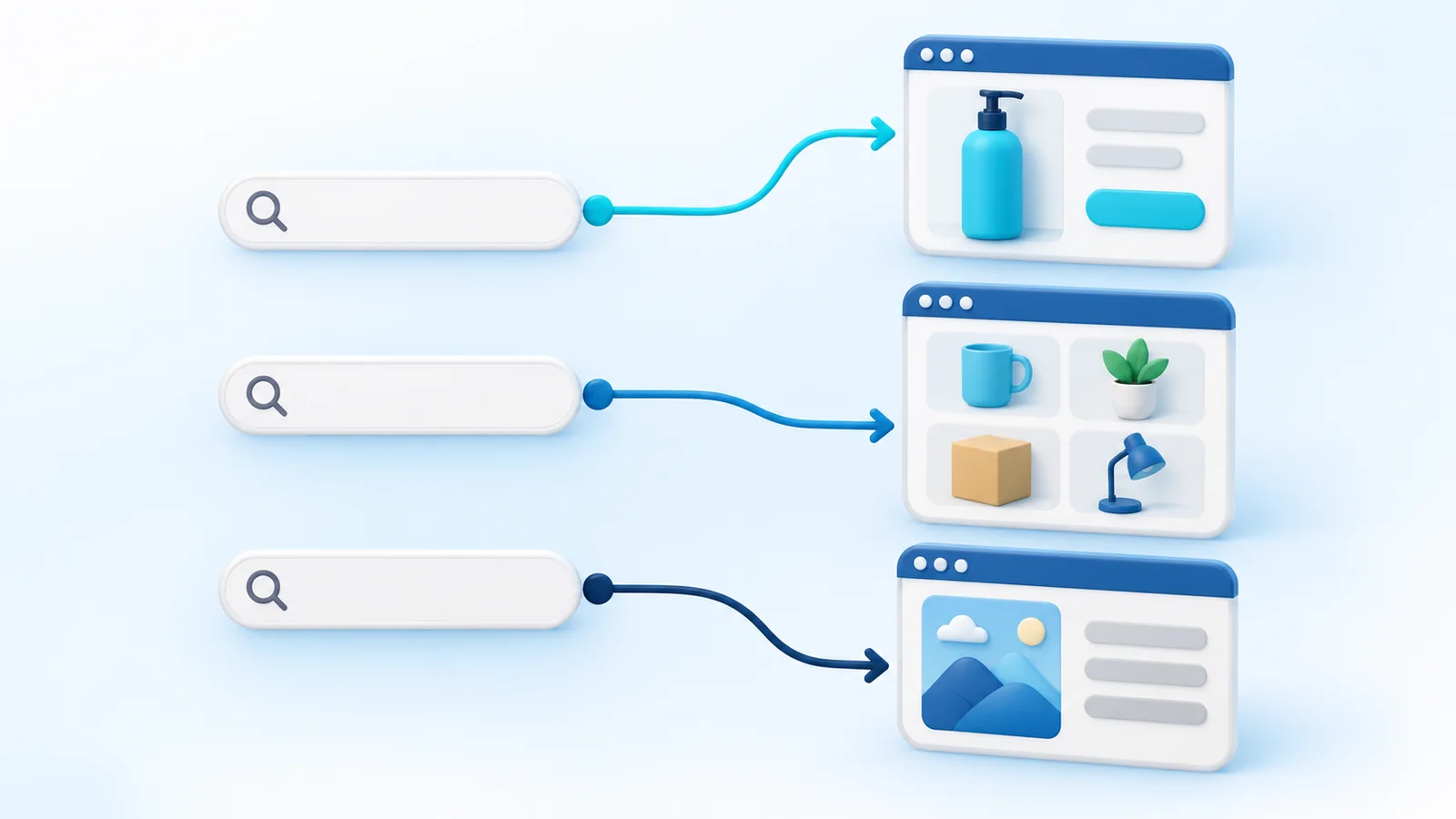
Every search has a purpose behind it. Match the right page to each one, rather than trying to make one page rank for everything:
| Intent | Example search | Best page |
|---|---|---|
| Buying a specific item | "black leather wallet for men" | Product page |
| Browsing a type of product | "cotton panjabi online" | Category page |
| Comparing options | "best fabric for summer kurti" | Guide or article that links to products |
| Learning | "how to wash a silk saree" | Article |
| Looking for you | Your shop's name | Homepage |
Shoppers in Bangladesh search in English, in Bangla script and in Bangla written with English letters. Learn the words your buyers actually use: Google's autocomplete suggestions, the questions in your inbox and comments, and later the queries in Google Search Console. Use their words naturally on the right pages.
UrShop storefronts are available in both Bangla and English, with page titles and descriptions for each language, so you can serve shoppers in the language they search in.
Plan your category structure
Categories are your store's map, for shoppers and for Google. A good structure is shallow, predictable and based on how people shop:
- Keep it to two levels where you can, such as Women → Kurtis, so every product is a few clicks from the homepage.
- Give each category one clear purpose. Two categories with nearly the same products compete with each other.
- Name categories with the words shoppers search for, not internal codes or supplier terms.
- Avoid near-empty categories. A category with one product helps nobody; merge it until you have more.
Keep URLs clean and stable
A good URL is short, readable and describes the page, such as /products/black-leather-wallet. Use lower case and hyphens, and leave out dates and random codes where you have the choice.
Most importantly, don't change URLs once pages are live. Links, bookmarks and Google's index all point to the old address. If you must change one, make sure the old URL redirects permanently to the new one.
Write product titles people search for
A product title should tell a shopper exactly what the item is. A pattern that works for most stores is brand or line + product type + the detail that matters (material, size, color or model).
| Weak | Specific |
|---|---|
| New Collection Item 23 | Handloom Cotton Saree, Red and Off-White |
| Premium Wallet!!! Best Price | Men's Genuine Leather Bifold Wallet, Black |
| Kids Dress | Girls' Cotton Frock with Pocket, Ages 4 to 6 |
Don't repeat keywords or stuff in every variation you can think of. One clear, specific title beats a long list of search terms.
Write product descriptions that answer questions
Copying the manufacturer's description means your page says the same thing as every other seller's. Write your own, and make it useful:
- Open with what the product is and who it's for.
- List the specifics: material, measurements, weight, what's included, compatibility.
- Answer the questions buyers ask you in messages, such as fit, care, how the color looks in daylight and how long it lasts.
- Add a size guide for anything that has to fit.
- Mention delivery and returns, or link to them.
Write for the shopper first. A description that answers their questions tends to match the way they search too.
Give category pages something to say
A category page that's only a grid of products gives Google little to work with. Add a short, genuinely helpful introduction: what's in the range, how to choose, and links to subcategories or a buying guide. Keep it brief so products stay near the top of the page on phones.
Title tags and meta descriptions
The title tag is the clickable headline in search results; the meta description is often shown as the snippet underneath. Give every important page its own:
- Put the most important words first and your shop name at the end.
- Keep titles short enough to show in full; roughly 50 to 60 characters is a practical target, since longer ones are often cut off.
- Write meta descriptions that make someone want to click: what the page offers and why it's worth visiting.
- Never reuse the same title or description across many pages.
A meta description isn't a ranking factor by itself, and Google sometimes writes its own snippet, but a good one still earns more clicks.
Image file names and alt text
- Name files descriptively before uploading: red-handloom-cotton-saree.jpg, not IMG_4021.jpg.
- Write alt text that describes what the image shows, for people using screen readers and for search engines: "Red handloom cotton saree with off-white border, folded".
- Don't stuff keywords into alt text, and leave decorative images without it.
- Use real photos of your products. Original images are more useful than the same supplier photo every competitor uses.
- Keep file sizes reasonable so pages load quickly on mobile data.
Link your pages together
Internal links help shoppers move around and help Google find and understand your pages. Your menu, breadcrumbs and related products already do much of this. Add more where it helps: from a guide to the products it mentions, from a category introduction to its subcategories, from a product to its accessories. Use descriptive link text, such as "cotton panjabis for summer", rather than "click here".
Avoid duplicate content
When the same content appears at several URLs, Google has to guess which one to show, and your pages compete with each other. Common causes in stores:
- One product reachable at several addresses (through different categories or campaign links). Each product should have one main URL, marked with a canonical tag.
- Sizes or colors created as separate products with identical descriptions. Use options on one product instead.
- Filter and sort pages being treated as separate pages.
- Copied manufacturer descriptions, shared with every other seller.
- Very similar products with the same description. Write what's different about each.
Handle out-of-stock products well
Deleting a product the moment it sells out throws away the page's place in search results and breaks any links to it.
- Temporarily out of stock: keep the page live, say clearly that it's out of stock, and point to similar products. If you expect a restock, say so.
- Gone for good: if there's a close replacement, redirect the old URL to it where your platform supports redirects. If there's nothing relevant, it's fine to let the page go, rather than redirecting everything to the homepage.
On UrShop, shoppers see sold-out products and options as out of stock, and you can choose to keep selling a tracked product while you wait for a restock.
Structured data, in plain terms
Structured data is code that labels the facts on a page (this is a product, this is its price, it's in stock) so search engines don't have to guess. It can make your pages eligible for richer search results, such as prices and availability shown under the link. It doesn't guarantee them, and it isn't a shortcut to higher rankings.
- Product data for product pages: name, image, price, currency and availability.
- Breadcrumb data showing where a page sits in your store.
- Article data for blog posts.
- Reviews only when they come from real customers and appear on the page. Never mark up reviews you wrote yourself.
The rule is simple: structured data must describe what a visitor can see on the page. Use Google's Rich Results Test to check it.
Page speed and the mobile experience
Many of your shoppers will browse on phones, often on mobile data. A slow or awkward store loses them before Google's opinion matters. Compress images, avoid piling on apps, widgets and scripts you don't need, keep pop-ups from covering the page on mobile, and make buttons easy to tap. Search Console's Core Web Vitals report shows real-world speed problems on your pages.
Set up Search Console and analytics
- Add your store to Google Search Console and verify that you own it.
- Submit your sitemap so Google can find every product and category page.
- Check the indexing reports for pages Google can't index, and fix the ones that matter.
- Use the performance report to see which searches show your store and which pages get clicks.
- In your store's analytics, compare orders from search with other channels, so you know what SEO is actually worth to you.
Use content to answer buyer questions
A blog is worth having when it answers the questions your buyers ask before they buy. Good topics come straight from your inbox: how to choose a size, how to care for a fabric, which product suits which need, what to give for an occasion. Link each article to the products it mentions, and keep it current. A few genuinely useful guides do more than dozens of thin posts written only to target keywords.
Earn links and mentions
Links from other trustworthy websites tell Google that people find your store worth referring to. Earn them by being worth mentioning:
- Brands you stock and suppliers you work with may list their sellers
- Local news or blogs may cover a genuinely interesting story about your business
- Collaborations with creators and other shops, with a link back to your store
- Useful guides that others want to share
- Your own profiles on social platforms and relevant business listings
Avoid buying links or joining link-exchange schemes. They break Google's spam policies and can hurt more than help.
What not to do
- Stuffing keywords into titles, descriptions or alt text
- Copying product descriptions or articles from other websites
- Publishing lots of near-identical pages, written by hand or generated, that add nothing new
- Hiding text or links from visitors
- Posting fake reviews or marking up reviews that aren't real
- Changing URLs without redirects
- Accidentally blocking important pages from search (for example with a noindex setting left on)
- Believing anyone who guarantees a first-page ranking
Ecommerce SEO checklist
- Categories follow how shoppers search, two levels deep where possible
- Every product has a specific title and its own description
- Images have descriptive file names and alt text
- Important pages have unique title tags and meta descriptions
- Each product has one main URL; options live on one product page
- Out-of-stock products stay live with a clear status
- The store is fast and easy to use on a phone
- Google Search Console is verified and your sitemap is submitted
- You review search queries and indexing problems every month
- A few articles answer your buyers' most common questions
SEO works best on top of a solid store. If you're still setting yours up, start with how to start an online store in Bangladesh, and see how UrShop themes keep your store mobile-first.