Facebook Page vs Ecommerce Website: What Should Bangladesh Sellers Use?
Facebook and your own online store do different jobs. A balanced guide for Bangladesh sellers: when a page is enough and how to use both together.

Published 7 min read
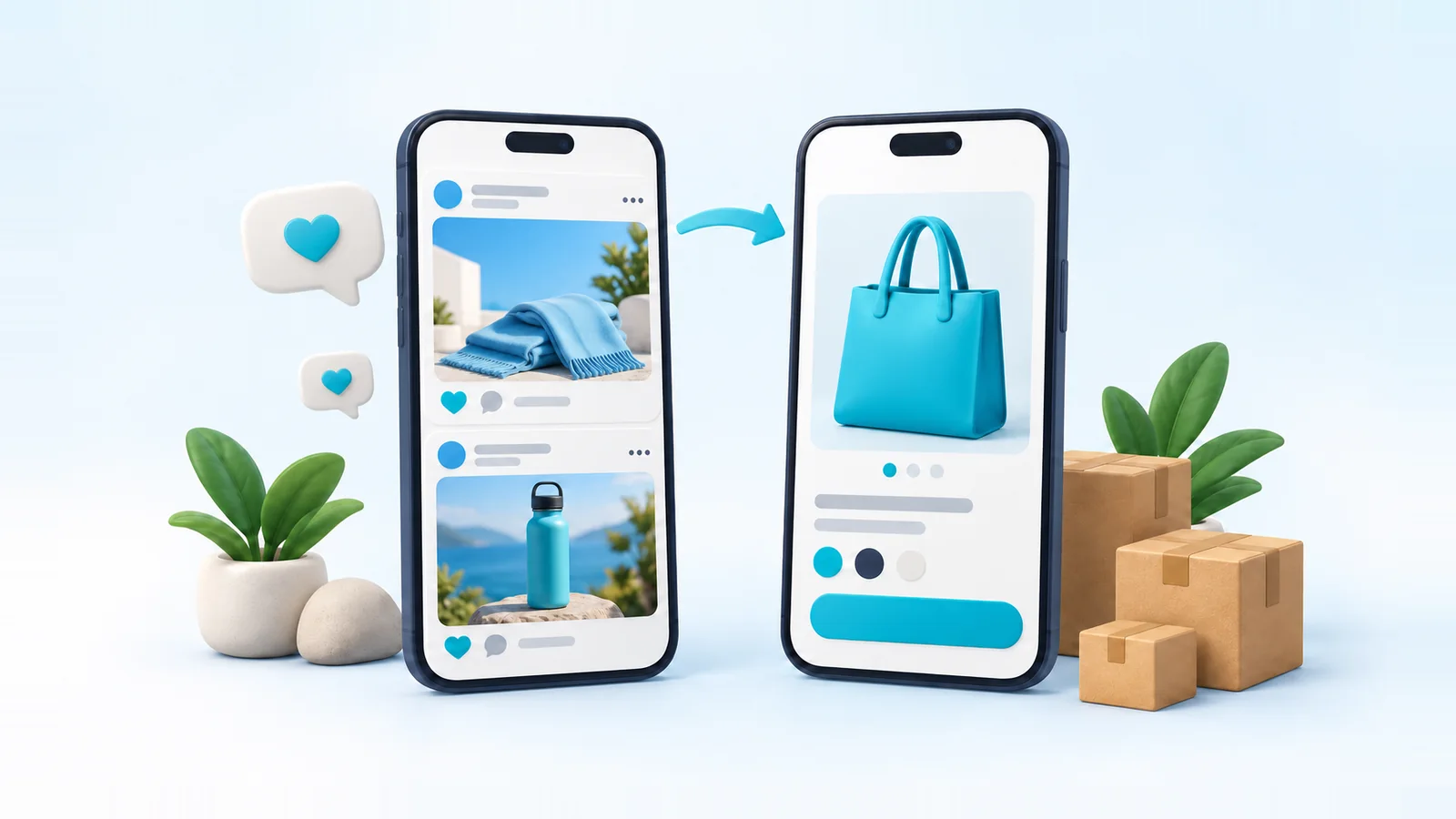
A lot of online selling in Bangladesh happens on Facebook. A seller posts a product, buyers comment or message, and the order is confirmed in the inbox. It works, and for many shops it's how the business started.
So does a seller need a website at all? The honest answer is that a Facebook page and an ecommerce website do different jobs. This article compares them fairly, explains when a page alone is enough, and shows how sellers use both without duplicating their work.
The short answer
Use social channels to attract buyers, and your own store to convert and manage them. Facebook, Instagram and TikTok are where people discover products and talk to sellers. A store is where they browse your full range, place an order without waiting for a reply, and pay, and where you run delivery, records and repeat sales.
If you're testing a first product with a handful of orders a week, a Facebook page can be enough on its own. Once orders, products or staff grow, the manual work of inbox selling becomes the thing holding you back.
What a Facebook page does well
It's worth being clear about why social selling works, because those strengths don't go away when you open a store.
- Discovery. Your buyers already spend time there. Posts, shares, groups and reels put products in front of people who weren't looking for them.
- Audience. Followers are people who chose to hear from you. That's valuable for launches and restocks.
- Conversation. Buyers can ask a quick question and get a human answer, which builds trust for a new shop.
- Advertising. Meta's ad tools let you reach people by interest, location and behavior with a small budget.
- Social proof. Comments, reviews, shares and live videos show that real people buy from you.
- Speed to start. A page is free and takes minutes. You can test an idea before investing in anything else.
Where selling only in the inbox gets hard
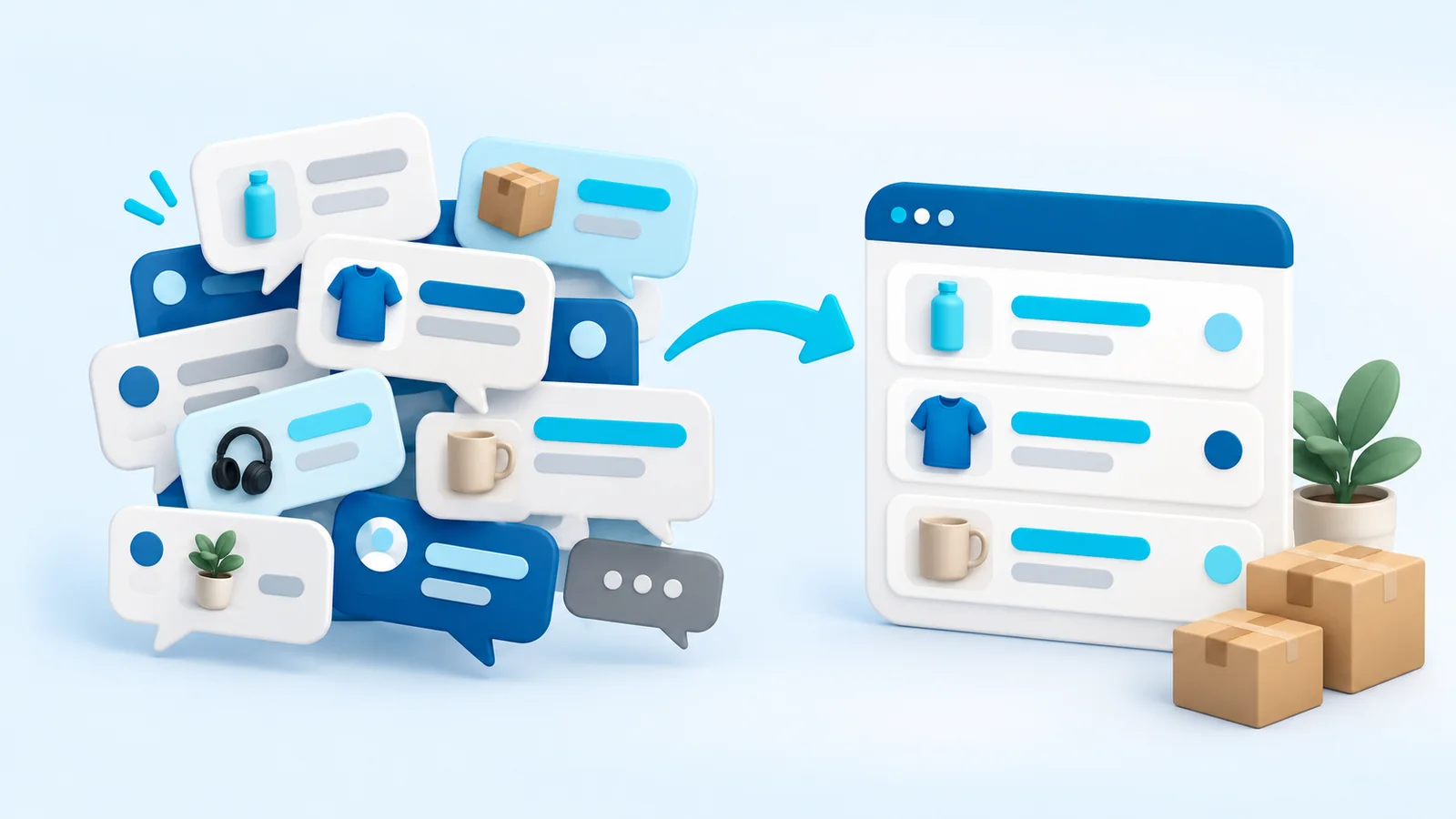
The trouble usually isn't Facebook itself; it's running every step of every order by hand through messages. Common pain points as a page grows:
- No real catalog. Products are scattered across posts and albums. Buyers can't filter by size or price, and older products are hard to find.
- "Price inbox". Hiding prices to start a conversation can frustrate buyers who just want to know, and some of them move on.
- Manual order taking. Name, phone and address arrive in pieces across several messages, then get copied into a sheet and again into a courier panel. Every copy is a chance for a mistake.
- Missed messages. At busy times, slow replies mean lost orders, and buyers can't order while you sleep.
- Payment matching. Checking bKash transaction IDs against messages by hand is slow and easy to get wrong.
- Little measurement. It's hard to know which post or ad produced which delivered order.
- Dependence on one platform. Reach changes, and pages or ad accounts can be restricted. If that's your only shop, your sales depend on it.
- Nothing on Google. Posts rarely show up when someone searches for the product you sell.
What your own ecommerce website adds
- A structured catalog: categories, search, filters, options such as size and color, and stock that updates as you sell.
- A branded buying experience: your logo, colors and domain, with no competitor posts in the next scroll.
- Checkout: buyers enter their own name, phone and address in a structured form and choose how to pay, at any hour.
- Order operations: every order in one list with a status, ready to confirm, ship, invoice and follow up.
- Analytics: visitors, sources, conversion and sales per product, so you can see what's working.
- An address you own: your domain stays yours, wherever your traffic comes from.
- Search visibility: product and category pages can be found on Google.
- Room to grow: staff logins, more products and more order volume without everything running through one inbox.
Side by side
| Job | Facebook page | Your own store |
|---|---|---|
| Getting discovered | Strong: feeds, shares, groups, ads | Weaker on its own; relies on search, ads and links |
| Answering questions | Strong: real-time chat | Product pages answer common questions up front |
| Browsing the full range | Limited: posts and albums | Strong: categories, search and filters |
| Taking an order | Manual, in messages | Checkout collects structured details |
| Getting paid | Manual checking of payments | Payment status recorded on the order |
| Booking delivery | Copying details into a courier panel | Possible directly from the order, with the right platform |
| Measuring results | Post and ad metrics, not orders | Orders, sources and products in one place |
| Owning the channel | Rented: platform rules apply | Owned: your domain and customer records |
| Showing up on Google | Rarely | Product, category and article pages can rank |
When a Facebook page alone can be enough
A store has a cost in time and setup, so it doesn't always make sense on day one. A page on its own can be a sensible choice when:
- You're testing whether a product sells at all, with a few orders a week.
- You sell a handful of items, or custom and made-to-order pieces that need a conversation anyway.
- You can personally reply to every message quickly and keep records accurate.
Watch for the signs you've outgrown it: messages go unanswered at busy times, address and phone mistakes cause failed deliveries, you can't say which posts brought in orders, you need help but can't share your inbox safely, or returning customers ask for a link to see everything you sell.
How to use both together
The strongest setup lets each channel do what it's good at. In practice:
- Link posts to product pages. Keep the conversation on Facebook, but send people to the page where they can see options, stock and delivery charges and order immediately.
- Answer inbox questions with a link. A product link carries the photos, price and size chart, so the buyer can order without waiting for your next reply.
- Keep prices consistent. The same price on a post and on the product page avoids awkward conversations.
- Record every order in one place. When someone orders by phone or message, enter it in your store as a manual order, so stock, delivery and records stay complete.
- Connect your ad tracking. A Meta Pixel with the Conversions API lets Meta see purchases that happen on your store, so you can measure and optimize ads by orders, not clicks.
- Sync your catalog. A product feed keeps a Meta catalog up to date for catalog ads and shopping features.
- Put your store link everywhere: page buttons, bio, pinned posts and parcel inserts.
Common worries about adding a website
Will my followers actually buy on a website?
Some will prefer to keep messaging you, and that's fine. Keep answering, and log their orders in the store. Others, especially people browsing late at night or comparing several products, will happily order without waiting for a reply. You don't have to force anyone to switch; you're adding a way to buy, not removing one.
Won't I lose the personal touch?
Not if you keep the conversations. A store handles the repetitive parts (prices, sizes, addresses, payment) so you have more time for the conversations that build loyalty: styling advice, gifting help, after-sale follow-up.
Is it a lot of extra work?
Setting up a catalog takes some effort at the start. After that, it usually saves time, because buyers fill in their own details and you stop copying the same information between messages, sheets and courier panels.
What if Facebook still brings most of my sales?
That's normal at first. The store still makes those sales easier to process and measure, and it gives you a second channel that doesn't depend on one platform's reach.
Moving from Facebook to your own store, step by step
- List your products properly: real photos, a specific title, price, options and stock for each.
- Group them into a few categories that match how your buyers ask for things.
- Set delivery charges and payment options to match what you already offer in the inbox, so nothing surprises regular buyers.
- Write short shipping and return policies, using the answers you already give in messages.
- Place a test order on your phone, start to finish.
- Announce the store to your followers with a direct link to a popular product, not just the homepage.
- Keep replying to messages, now with product links, and log any inbox orders in the store.
- After a few weeks, compare where orders come from and adjust.
Our guide to starting an online store in Bangladesh covers each of these steps in more depth.
Reaching buyers beyond Facebook
A store also opens channels a page can't use well. Search is the big one: someone typing the product you sell into Google is already looking to buy, and product pages, category pages and helpful articles can reach them without ad spend. It takes time to build. Our ecommerce SEO guide for Bangladesh explains where to start.