How to Start an Online Store in Bangladesh: Complete 2026 Guide
Start an online store in Bangladesh step by step: choose products, check your numbers, set up COD, bKash and couriers, build your store and launch.

Published 13 min read
Starting an online store in Bangladesh is less about the website and more about the business behind it: a product people want, numbers that still work after delivery and returns, a payment method buyers trust, and a courier that gets parcels to the door.
This guide walks through those decisions in the order you'll meet them, from choosing what to sell to improving the store after your first orders. It's written for first-time sellers and for people moving from a Facebook page to their own store. It's practical advice, not legal or tax advice; where rules apply, check with the relevant authority.
1. Choose what to sell
The best first product is one you can source reliably, describe clearly and deliver safely, at a margin that survives the real cost of an order. Passion helps, but it doesn't pay for returned parcels.
When you compare product ideas, look at each one through the eyes of the person who has to pack it, ship it and answer questions about it:
- Margin after every cost. Leave room for packaging, delivery, payment charges, returns and advertising, not just the purchase price.
- Easy to ship. Light, compact and hard to break is easier than heavy, bulky or fragile. Liquids and glass need extra packaging.
- Easy to explain. Products that need sizing, fitting or demonstration create more questions and more returns. That's manageable, but plan for it with size charts and clear photos.
- Reliable supply. If your supplier can't restock, your best-selling product becomes a page of disappointed customers.
- A reason to buy from you. A niche, a better selection, better photos and information, faster replies or your own designs. Competing on price alone is hard to sustain.
- Repeat purchases. Consumables and collections bring customers back without paying to find them again.
2. Validate demand before you stock up
Buying a large batch before you know it will sell is the most expensive way to learn. Test first, with as little money at risk as you can:
- Buy a small batch, or take a few made-to-order pieces, so you can photograph real products.
- Share them where your buyers already are: your social accounts, relevant groups, friends and family who fit the customer profile.
- Count what happens: questions, saves, messages and, most importantly, people who actually order and accept delivery.
- Write down the questions people ask. They tell you what your product pages need to answer.
- If you test with ads, keep the budget small and compare cost per real order, not likes or reach.
Before you scale up, work out what one order actually earns. Use your real quotes and charges; the structure matters more than any average you read online.
| Cost | What to include |
|---|---|
| Product | Purchase or making cost per unit, including any import or transport cost to you |
| Packaging | Box or poly mailer, filler, tape, labels and any insert card |
| Delivery | What the courier charges you, compared with what you charge the customer inside and outside Dhaka |
| Payment | Any cash-on-delivery or online payment charge from your courier or provider |
| Returns and failed deliveries | Return charges and the share of orders you expect to come back, especially on cash on delivery |
| Marketing | Ad spend divided by the number of delivered orders it brought in |
| What's left | Your profit per delivered order. If it's thin, change the price, product or offer |
3. Prepare the business basics
You don't need a big company to start, but a few basics make everything later easier: getting paid, working with couriers and looking trustworthy to buyers.
- Registrations. Depending on your business you may need a trade licence from your city corporation or local authority and tax registrations. Requirements change, so confirm them with the authority or a qualified adviser.
- A business phone number and email that customers, couriers and payment providers can reach, separate from your personal accounts where you can.
- A bKash merchant account if you want to take online payments through a payment gateway. Keeping business payments out of your personal wallet also makes your records far easier to check.
- Courier merchant accounts with the courier or couriers you plan to use, so you can book pickups and receive cash-on-delivery payouts.
- Simple records of stock, orders, payouts and expenses. A spreadsheet is enough at first; what matters is updating it every day.
4. Facebook page, website, or both?
Many Bangladeshi sellers start on Facebook, and that's a reasonable place to find your first buyers. Social channels are good at discovery and conversation. A store of your own is better at the parts that come after: a browsable catalog, a checkout, order records, payments and delivery in one place.
For most sellers the answer is both: use social channels to attract buyers and your store to turn them into orders you can manage. We compare the two in detail in Facebook page vs ecommerce website, including when a page alone is still enough.
5. Choose an ecommerce platform
There are three common ways to get a store online, and they suit different stages:
| Option | Good for | Watch out for |
|---|---|---|
| Hosted store builder | Getting online quickly without managing servers; most features ready to switch on | Less freedom to change how things work; check what you can export if you ever leave |
| Custom-built website | Unusual requirements, or a team with its own developers | Higher upfront cost, and someone has to maintain security, hosting and updates |
| Marketplace listing | Reaching shoppers who already use that marketplace | Their rules, fees and branding; the customer relationship mostly belongs to the marketplace |
Whatever you choose, check it against how selling actually works in Bangladesh:
- Does checkout support cash on delivery, and can you add bKash with your own merchant account?
- Can you book your courier from your orders, or will you copy addresses by hand?
- Does checkout understand Bangladeshi addresses and mobile numbers?
- Can shoppers use the store in Bangla as well as English?
- Does it work well on phones, where many of your customers will shop?
- Can you give staff their own logins with limited access, and protect your account with two-factor sign-in?
- Who do you ask for help, and in which language?
6. Get a domain when you're ready
A domain such as yourshop.com makes your store easier to remember and share, and it's an address you own whatever platform you use. You don't need one on day one, but it's worth securing the name early.
- Keep it short and easy to spell when someone hears it said aloud, in Bangla or English.
- Avoid hyphens, numbers and spellings people will get wrong.
- Register it in your own account, not a developer's or agency's, and turn on auto-renewal so it never lapses.
- Country domains such as .com.bd have their own registration process; a .com is often the simplest place to start.
On UrShop every store gets its own store address from the start, and you can connect your own domain whenever you're ready. HTTPS is set up once it's verified.
7. Design a store that earns trust
Shoppers decide quickly whether a new shop looks safe to order from. Good design here isn't decoration; it's clarity:
- Design for the phone first. Check every page on a phone before you look at it on a laptop.
- Say what you sell in the first screen of your homepage, with real product photos.
- Make browsing obvious: a short menu by category, search, and prices on every product card.
- Show that you're real: a phone number, email or contact page, your delivery charges and your return policy, all easy to find.
- Stay consistent: one logo, two or three brand colors and the same tone everywhere, from your social posts to your invoices.
- Keep it fast. Large uncompressed images and too many pop-ups slow phones down and send people away.
If you're using a theme, start with one close to your product style and change colors, fonts and homepage sections rather than fighting the layout. You can browse UrShop themes to see how a theme adapts to different brands.
8. Build your product catalog
Your product pages do the selling a conversation would do in a shop. Every product page should answer the questions buyers would otherwise send you in a message.
Every product page should show
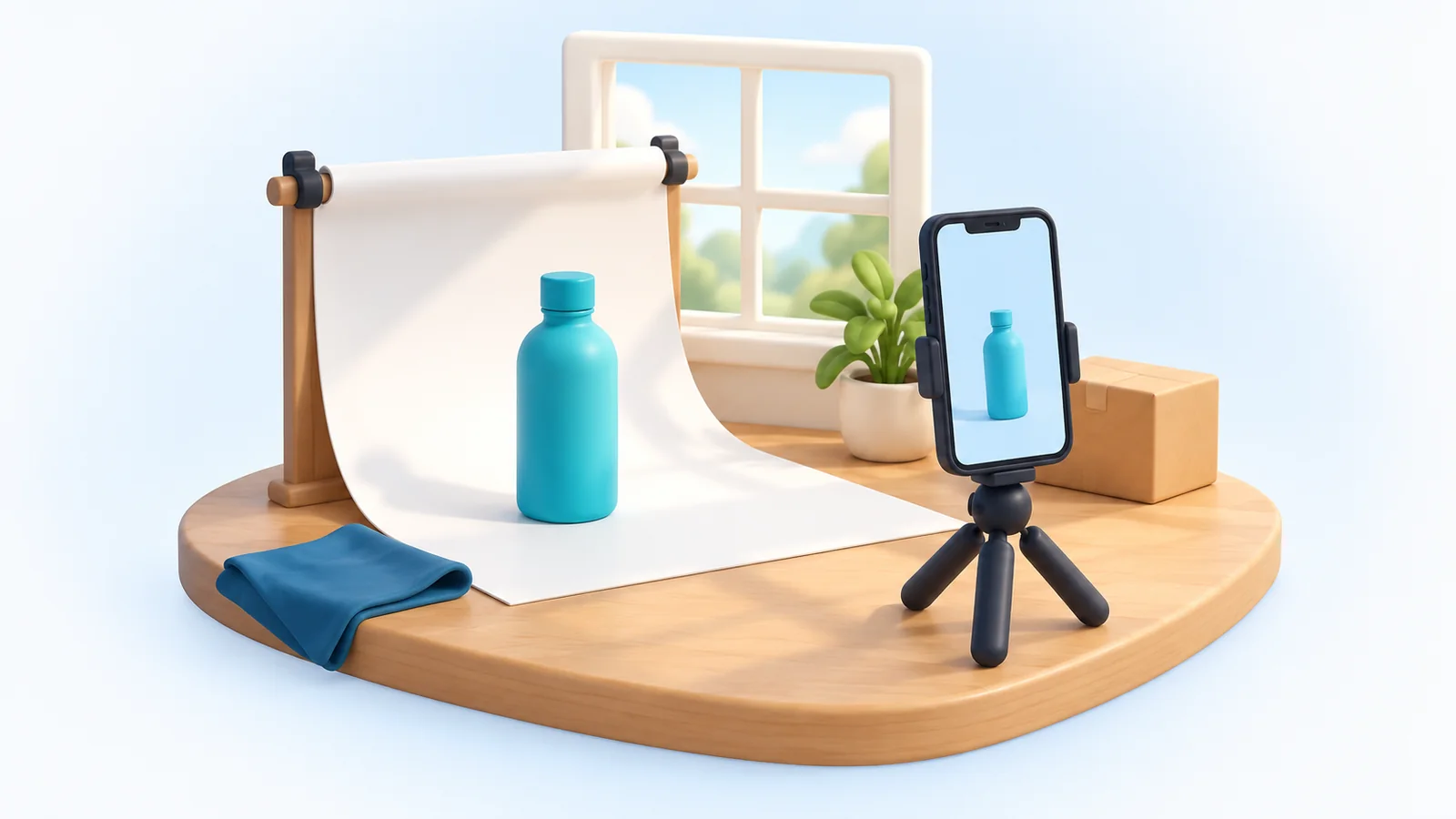
- Clear photos from several angles on a plain background, plus at least one photo in use or to scale
- A specific title: what it is, the material or model, and the key detail buyers search for
- Price, any sale price and what delivery costs, with no surprises at checkout
- Size chart or measurements for anything that has to fit
- Material, dimensions, what's in the box, care instructions and warranty where relevant
- Options such as size or color, with accurate stock for each
- Delivery and return information, or a link to it
Group products into a few clear categories that match how shoppers think (Men, Women, Kids; or Tops, Bottoms, Accessories), not how your supplier labels them. Good titles and descriptions also help you get found on Google; our ecommerce SEO guide covers how to write them.
9. Set up payments: cash on delivery and bKash
Cash on delivery is still what many shoppers expect, especially the first time they buy from a shop they don't know. Offer it from the start. It lowers the barrier to a first order, but it also means you carry the risk of refused parcels and wait for your courier's payout.
Online payment with bKash suits shoppers who prefer to pay up front and gives you money before you ship. Use a proper bKash merchant integration rather than asking buyers to send money to a personal number and message you a transaction ID; manual checking is slow and easy to get wrong.
Some sellers also ask for the delivery charge in advance on cash-on-delivery orders to discourage orders that are never accepted. Our guide to bKash and cash on delivery covers the risks, the set-up and how to keep payment status straight.
10. Set up delivery and couriers
Delivery is the part of your store customers remember most. Before launch, decide:
- Which courier you'll use, and whether you'll keep a second one as a backup
- What you'll charge for delivery inside Dhaka and outside Dhaka, and whether heavy or bulky items cost more
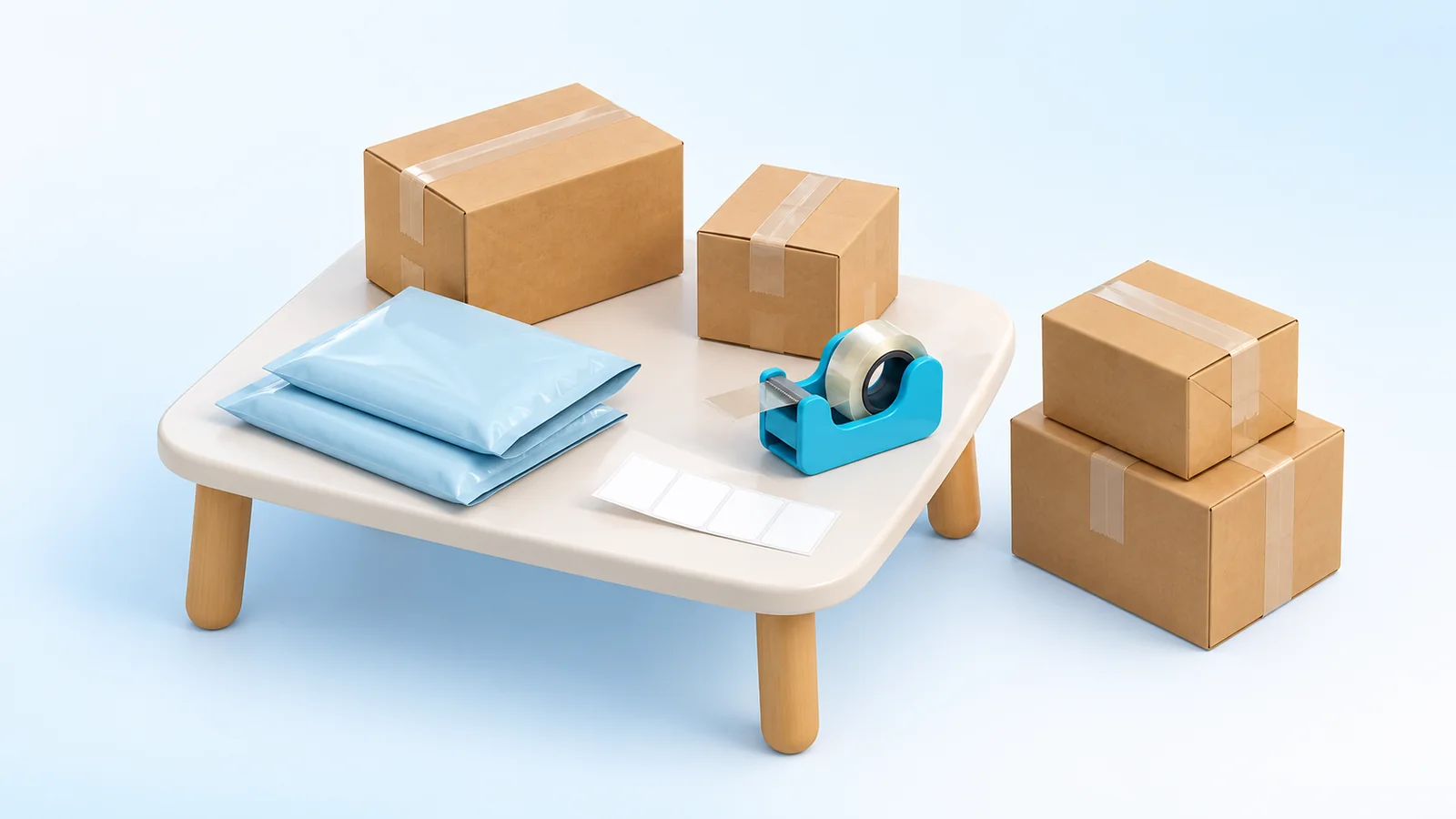
- How you'll pack each product so it arrives undamaged
- Your daily cut-off time for same-day pickup or drop-off
- What happens when a parcel is refused or can't be delivered
Rates, coverage and payout terms differ between couriers and change over time, so compare them against your own orders. Pathao vs RedX vs Steadfast explains what to compare and why many sellers use more than one.
11. Write clear store policies
Policies aren't paperwork; they answer the questions that make people hesitate before ordering. Write them in plain language and link to them from your footer and product pages.
- Shipping policy: where you deliver, charges, how long delivery usually takes and what happens if a delivery fails.
- Return, refund and exchange policy: what can be returned, within how long, in what condition, who pays return delivery and how refunds are paid.
- Privacy policy: what customer information you collect, why, and who you share it with (for example your courier).
- Terms of service: the basic rules of buying from your store.
Only promise what you can deliver every time. A realistic delivery window builds more trust than an optimistic one you miss. If your policies have legal consequences for your business, have them reviewed by a qualified adviser.
12. Set up tracking before you spend on ads
If you can't see which posts and ads lead to orders, you can't tell which ones to keep paying for. Set up measurement before you advertise, not after.
- Use your store's analytics to see visitors, orders and where traffic comes from.
- Install the Meta Pixel (with the Conversions API where you can) if you advertise on Facebook or Instagram, and the TikTok pixel if you advertise there.
- Add campaign tags (UTM parameters) to links you share, so each post or campaign shows up separately.
- Place a test order and confirm the purchase event arrives before you launch a campaign.
UrShop stores can connect Meta Pixel, TikTok Pixel and Google Tag Manager with your own IDs and send test events to check they work.
13. Market your store
There's no single channel that works for every product. Start with one or two you can do well and add more once they're working:
- Social content: show products in use, answer common questions and post consistently. Link posts to the product page, not just the inbox.
- Paid ads: start small, target narrowly and judge results by cost per delivered order.
- Repeat customers: thank-you notes, a coupon for the next order and messages to customers who agreed to hear from you are cheaper than finding new buyers.
- Search: product pages, category pages and helpful articles can bring in buyers for months without ad spend, though it takes time to build.
- Word of mouth: well-packed parcels, accurate photos and quick replies get recommended.
Launch checklist
- Every product has real photos, a specific title, price, stock and description
- Categories and the menu make sense to someone who has never seen your shop
- Delivery charges are set for inside and outside Dhaka
- Cash on delivery works, and bKash is connected if you're offering it
- Your courier account is connected or ready, and you know your pickup process
- Shipping, returns, privacy and terms pages are written and linked
- Contact details are visible, and someone is ready to answer messages
- You've placed a test order on your phone, from product page to confirmation
- Order confirmation messages reach the customer
- Analytics and ad pixels record a test purchase
- Your domain is connected and loads over HTTPS, if you're using one
- Packaging, labels and a few days of stock are ready
What to improve after your first orders
Your first few weeks of orders tell you more than any plan. Review them regularly and fix the biggest problem first:
- Where did orders come from? Put more effort into the channels that bring delivered orders, not just traffic.
- Which orders failed? Look for patterns in refused or returned parcels: product, area, price, how the order was confirmed.
- What do people keep asking? Add those answers to your product pages.
- Where do shoppers drop off? If many reach checkout but don't finish, look at delivery charges, payment options and how long the form takes.
- How fast do you confirm and ship? Quick confirmation reduces cancellations.
- Who came back? Repeat buyers show you which products and experiences to build on.
When order volume grows, consider a second courier, giving staff their own access, and writing content that brings in search traffic.
Common mistakes to avoid
- Stocking up heavily before testing demand
- Pricing without counting delivery, returns and ad costs
- Hiding delivery charges until the last step of checkout
- Using borrowed or edited photos that don't match what customers receive
- Shipping cash-on-delivery orders without confirming them
- Spending on ads before tracking is set up
- Promising delivery times your courier can't meet
Where to go from here
Pick the next decision in front of you and make it properly: payments, couriers or getting found on Google. If you have a question about setting up a store on UrShop, the FAQ covers the basics, and you can always contact the UrShop team.